
UIHike for operations teams
Create operations documentation so your team can complete recurring tasks without asking you each time.
When the monthly report is due, the work shouldn’t wait for the person who knows every step. Use UIHike to capture the process, explain the exceptions, and give colleagues instructions they can follow.
Start locally without an account.
Cloud sharing requires an account.
Give the next person a process they can run and check.
For work that comes around every week or month, document the starting point, the actions, and the result. Keep the explanation with the screens it refers to.
- 1
Prepare the right inputs.
List the application, access, source data, and reporting period before the first step.
- 2
Show how to do the work.
Capture the relevant screens in order. Add the choices that make a difference.
- 3
Explain how to check it.
Show the expected output and the checks to make before passing the result on.
The details that usually trigger a question
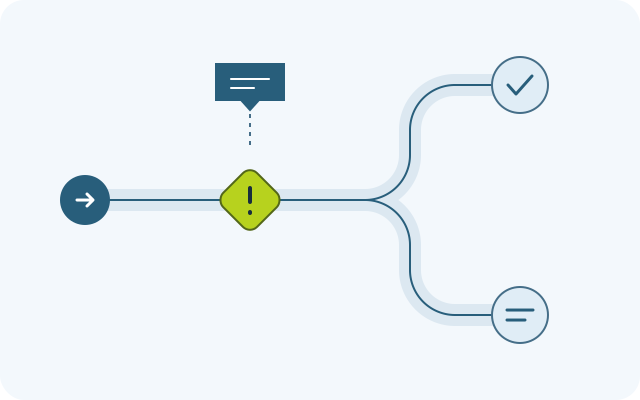
Explain what to do when the usual steps don’t fit.
An empty report, missing access, or a different date range can bring a routine task to a stop. Add the explanation a colleague would otherwise have to ask you for.
- What should an empty result look like?
- Which settings should stay the same?
- When should they stop and ask for help?
A reporting task, documented
Show the date range, the results, and the checks.
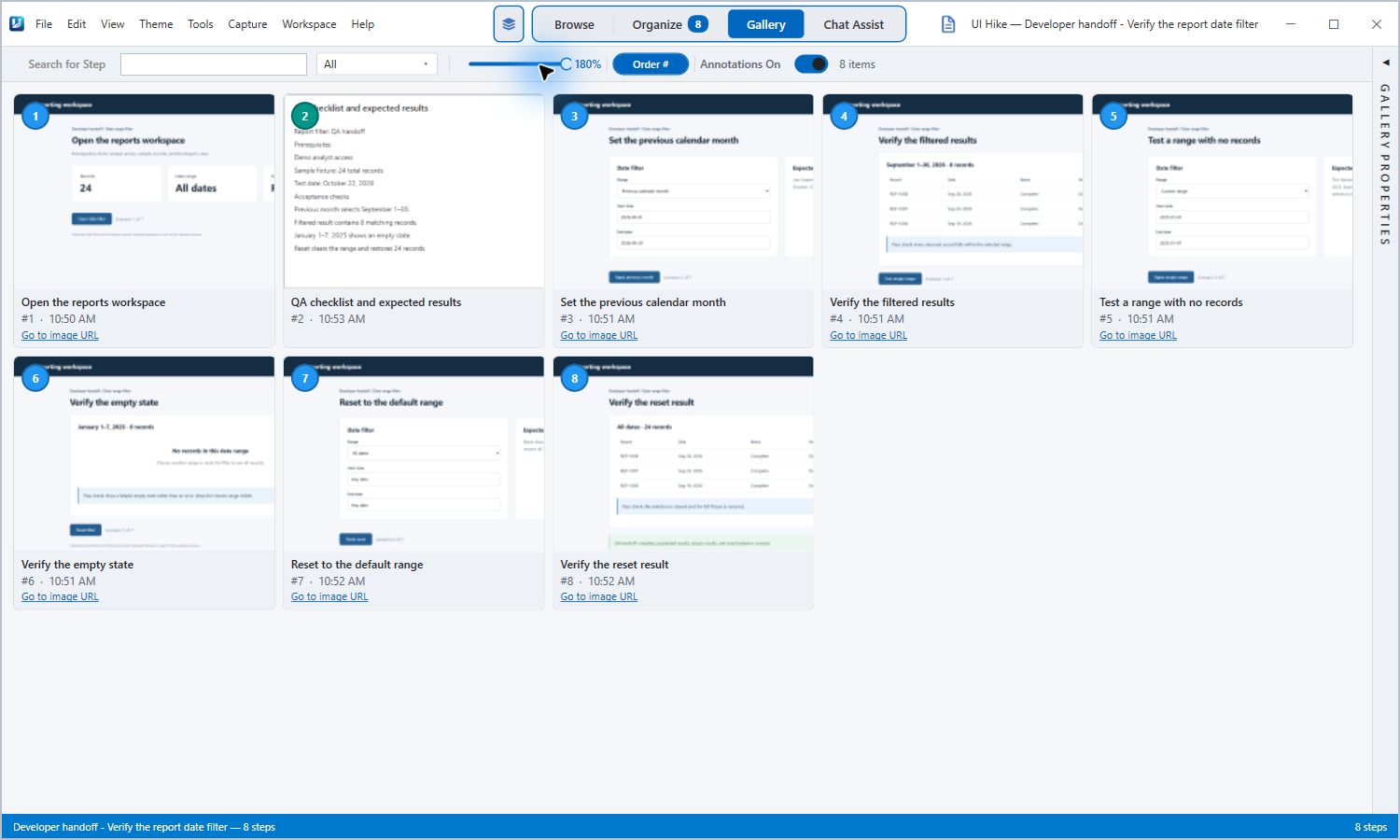
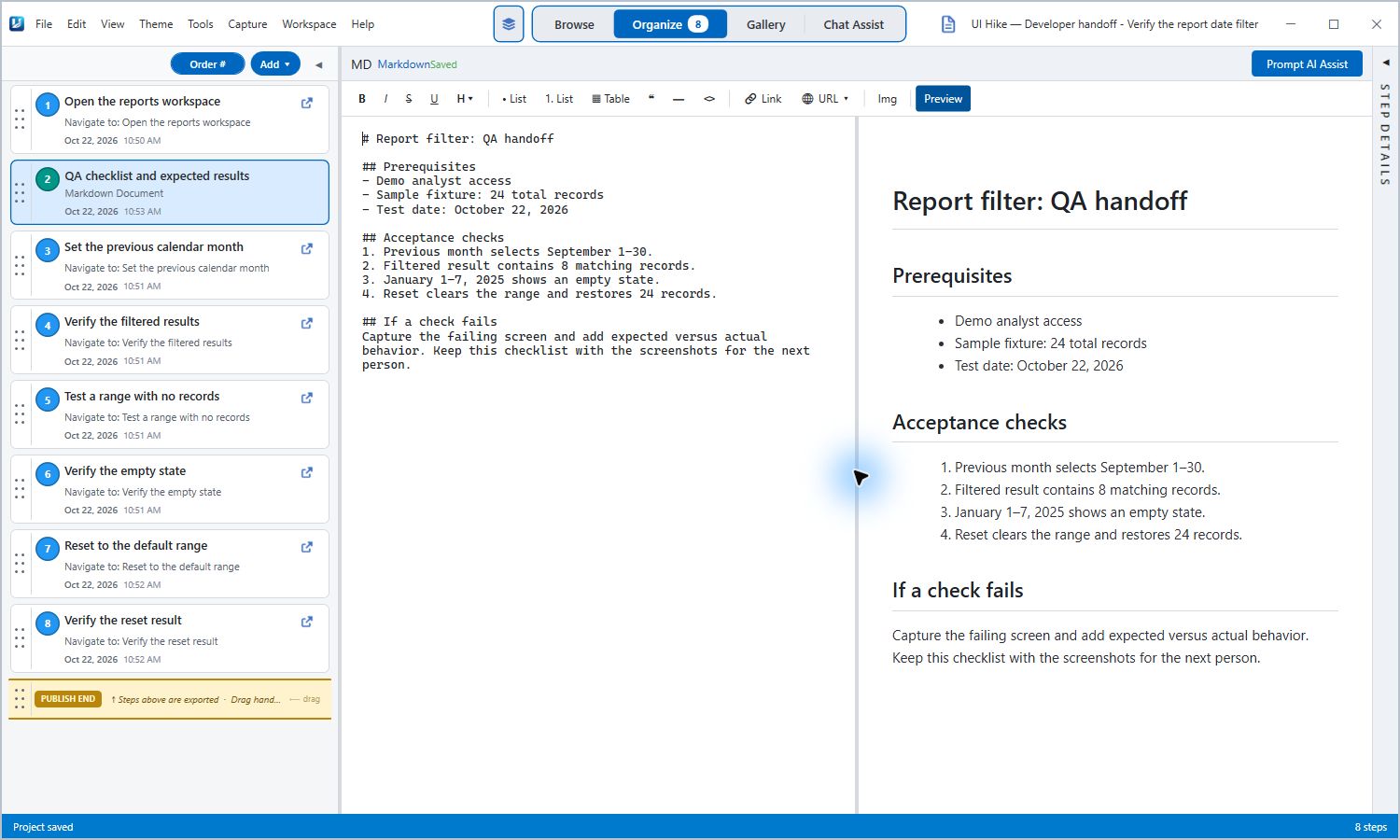
This actual UIHike guide walks through a report filter: choose a month, inspect the results, test an empty range, and reset the view. The checklist explains what the reader should expect.
Read the eight-step reporting guideUse it as part of your monthly process.
Add your own source-data requirements, deadlines, and handoff instructions around the captured workflow.
The example uses fictional reporting data. It demonstrates one workflow, rather than a complete monthly reporting process.
Keep the guide useful the next time the task comes around.
Ask a colleague to follow it. Fill in the gaps they find, and review the affected steps whenever the process changes.
See capture, editing, and sharing in UIHike ↗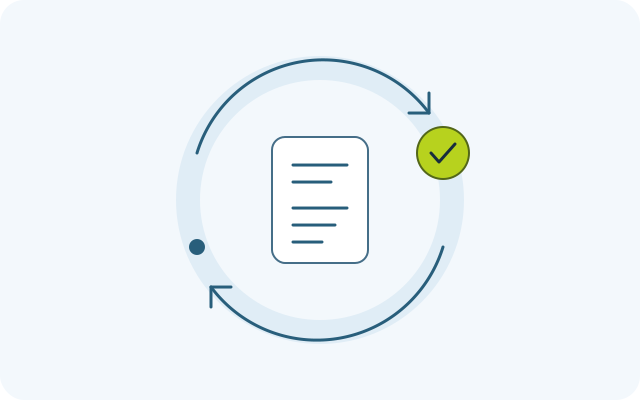
Questions about operations documentation
Which operations tasks should we document first?
Does UIHike run or schedule the process for us?
Can one guide cover browser and desktop work?
How do we keep instructions current?
Can colleagues read the guide without UIHike?
What about financial or employee information in screenshots?
Start with the task your team keeps asking you about.
Capture it in UIHike. Add the details. Give a colleague a guide to try the next time it comes up.
Local Windows use without an account.
Cloud sharing requires an account.