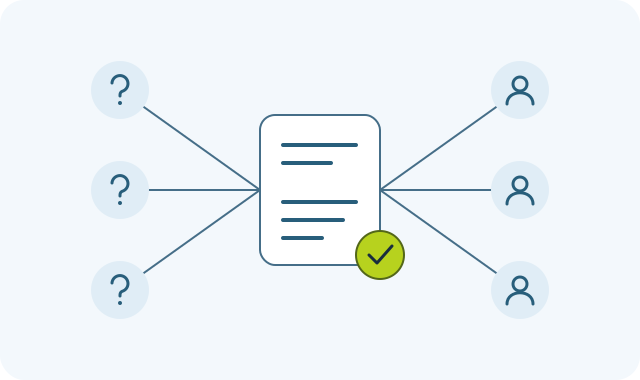
Reduce support tickets so customers get help without waiting for a reply.
Stop rebuilding the same explanation in every reply. Use UIHike to capture the task, add the important details, and share a visual guide people can return to.
Start locally without an account. Cloud sharing requires an account.
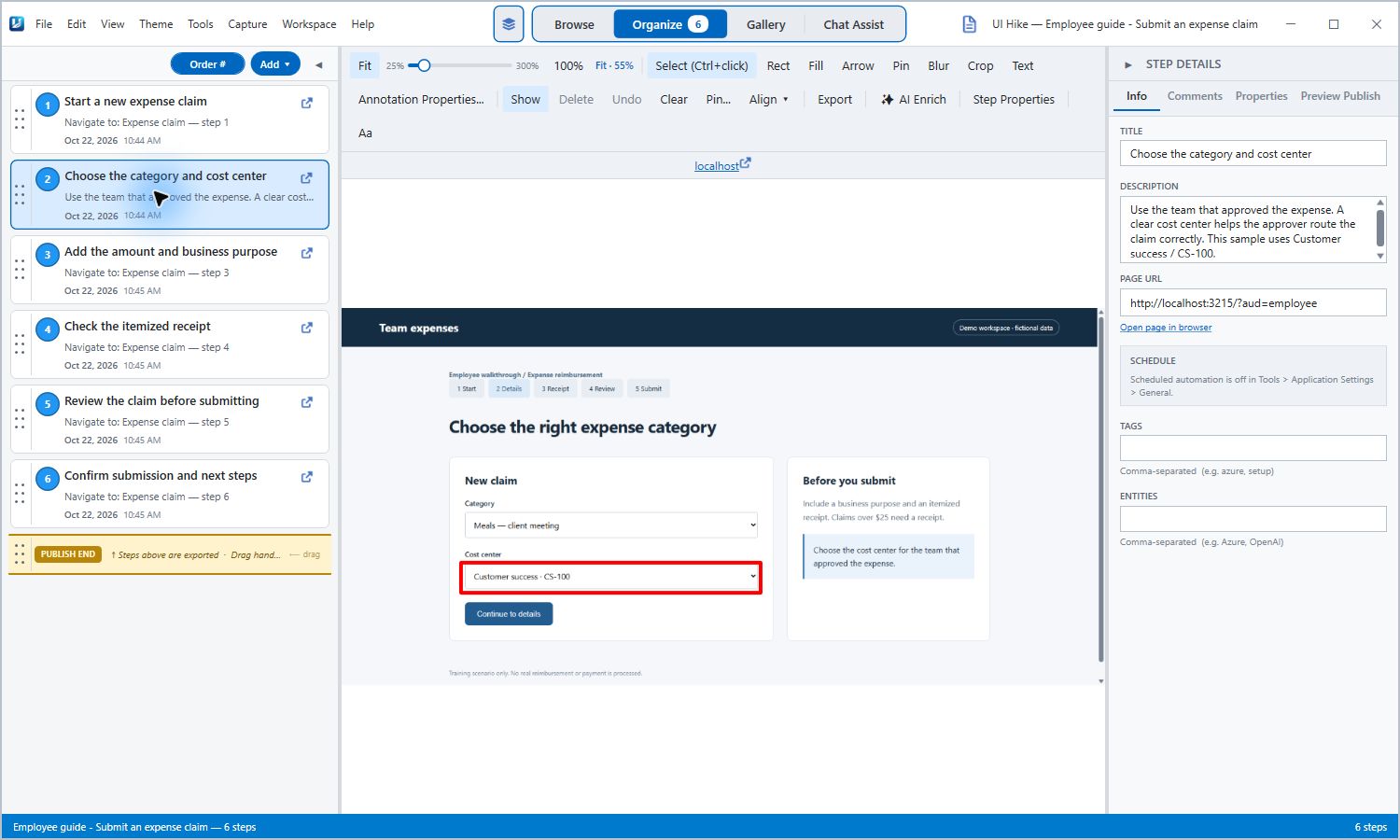
Show the detail people keep asking about. Real UIHike Windows app; fictional expense-claim portal. Select to view full size.
Explain it once. Reuse the answer.
A new message shouldn’t mean starting your instructions from scratch. Give people a guide with the screens, steps, and checks already in place.
A question worth answering clearly
“Which cost center should I choose?”
Someone gets stuck at the same field again. A text reply names it. A visual guide shows where it is, explains the choice, and carries them through the rest of the task.
Give them the full path to a submitted claim.
This six-step example shows the category, cost center, receipt, review, and confirmation. It was generated with UIHike using a fictional expense portal.
Will UIHike automatically reduce our ticket count?
No tool can guarantee that. UIHike helps you create clear instructions for repeatable tasks. Whether questions decrease depends on the guide's quality, whether people find it, and whether the underlying problem can be solved through instructions. Compare repeat questions for the topic before and after sharing the guide.
Can we use the guides in our current support workflow?
Yes. Add a published guide link to your replies or help articles yourself, or use supported exports such as HTML and Markdown. Check your help center's formatting requirements. UIHike does not automatically create tickets or update your support macros.
Does someone need an account to read the answer?
Public and unlisted published guides can be read in a browser without a UIHike account. Private guides require the relevant access. Authors need an account for cloud sharing; local Windows use can begin without one.
What if the screens change?
Reopen the source project and revise the affected captures and notes. Update the published output too when sharing a hosted guide; source edits alone do not update a published snapshot.