
Integrate Microsoft SharePoint Content into AI Chat Service
Import SharePoint · Improve Employee Self Service · Resolve Employee Problems
Simple Setup and Administration
Three steps to connect Chime to your SharePoint knowledge base.
- 1
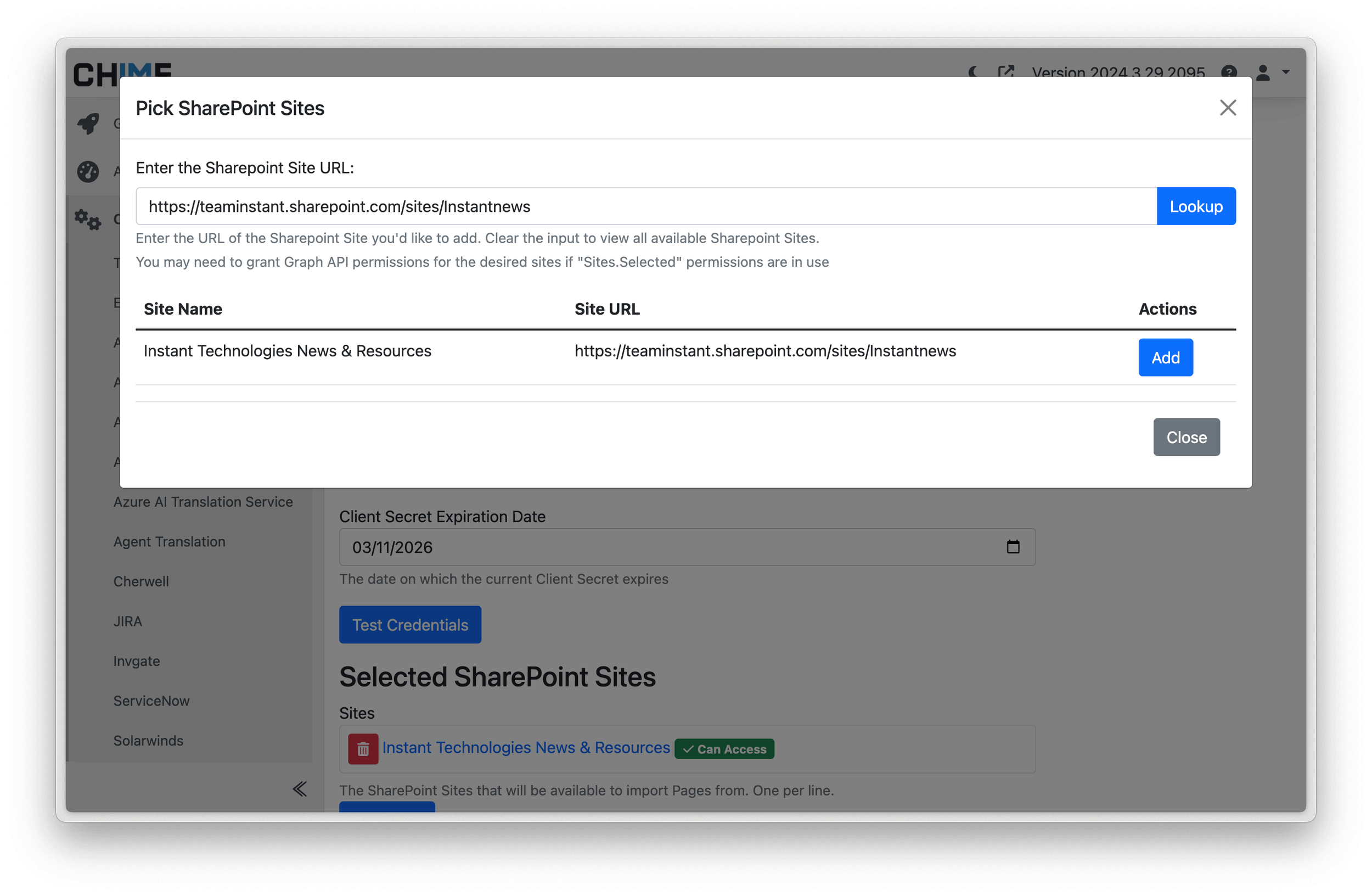
Provide SharePoint API details
Connect Chime to SharePoint with Microsoft Graph credentials — no infrastructure to stand up.
- 2
Pick the sites to index
Select the SharePoint sites that hold your help desk content. You control exactly what gets indexed.
- 3
Start indexing articles
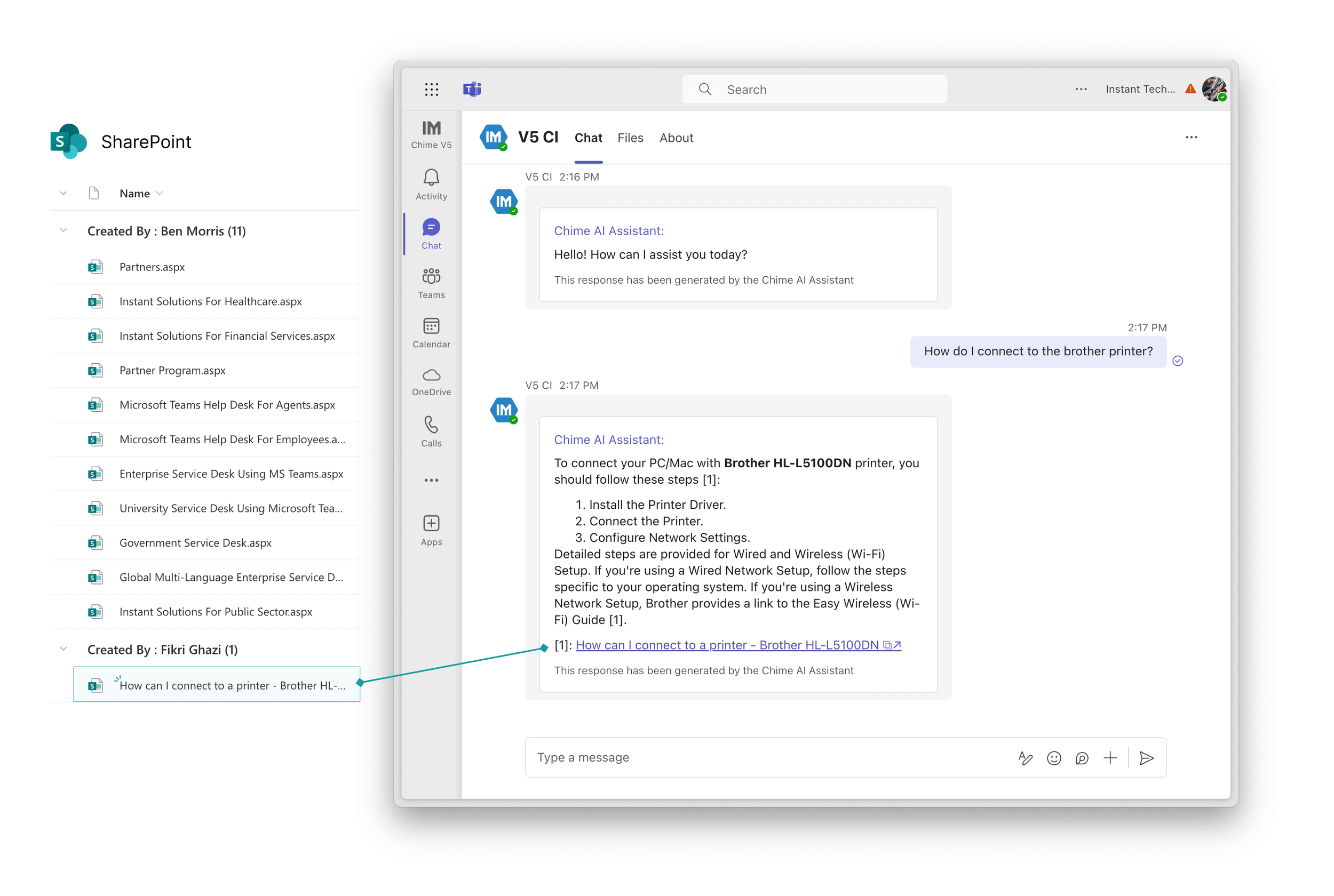
Chime imports and indexes the articles. From that point on, AI answers are grounded in your real SharePoint content.
SharePoint Article Indexing
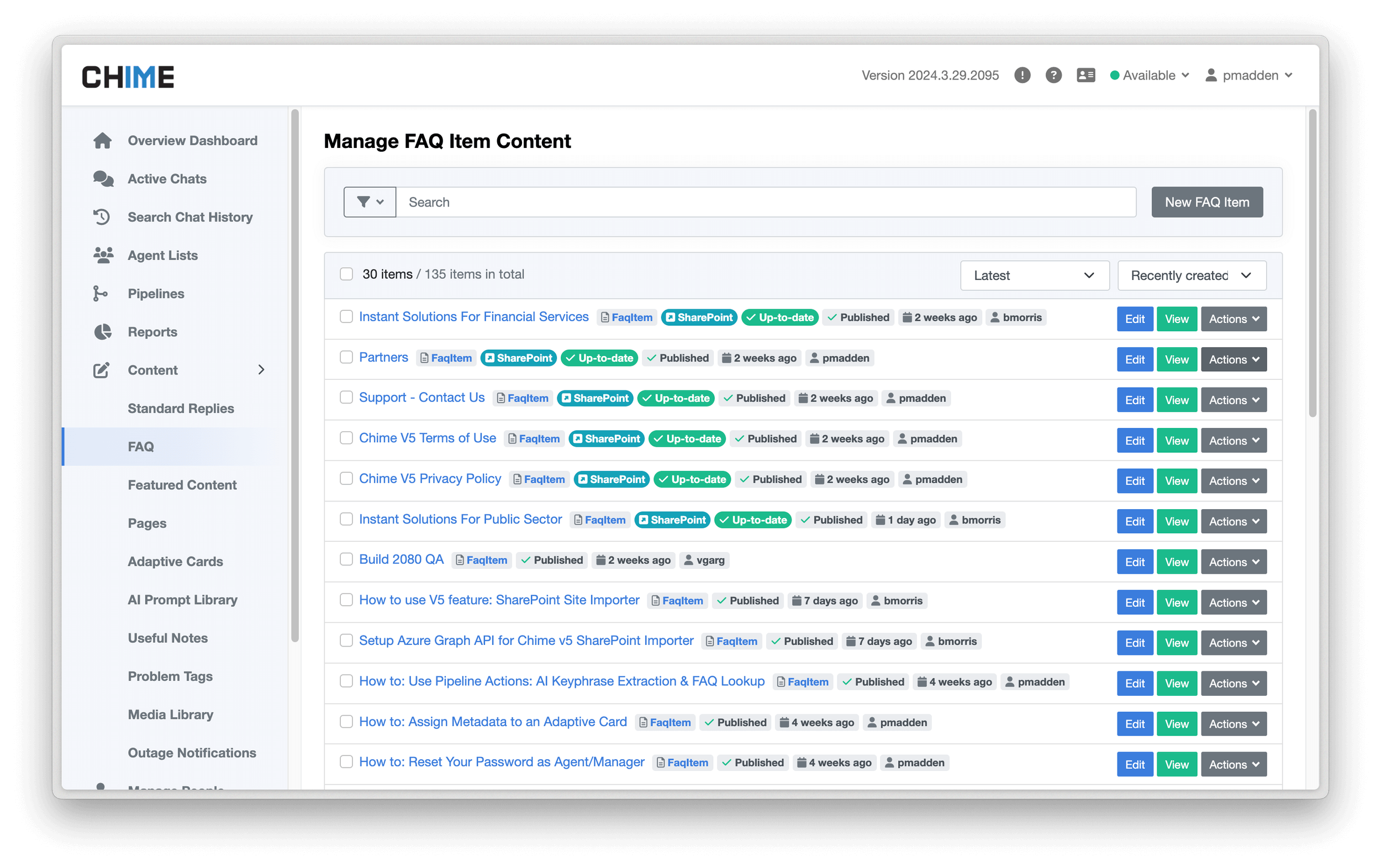
Chime imports your SharePoint FAQ articles, indexes them, and keeps the index current so AI answers always reflect what's actually published in SharePoint.
Retrieval-Augmented Generation
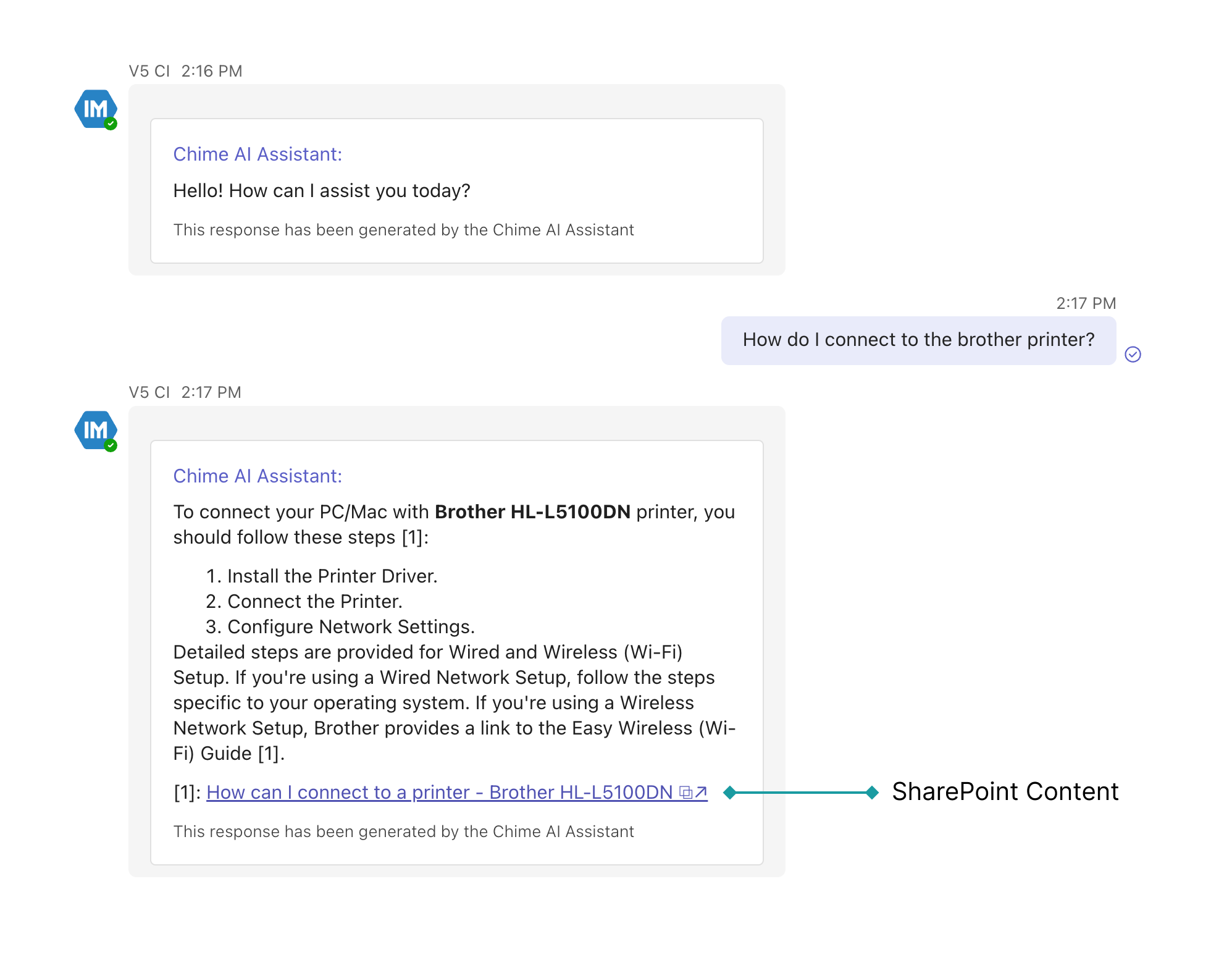
Chime uses a RAG pattern: retrieve the most relevant SharePoint content for each question, then have the AI compose a grounded answer. Employees get responses based on your real policies — not a generic LLM guess.
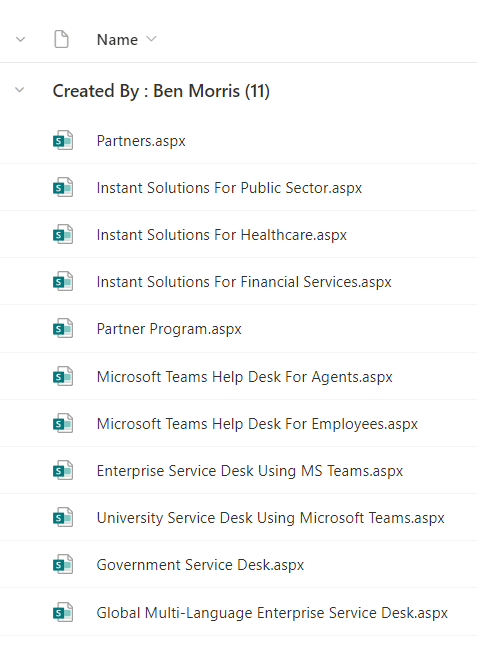
SharePoint Pages Integration
Beyond FAQ articles, Chime can index SharePoint Pages so policies, onboarding docs, and internal news become part of the AI knowledge base.
Bring your SharePoint content into chat
Book a demo to see Chime answer real employee questions from your SharePoint sites.