
Create AI ChatBots to Improve Your IT, Sales, and HR Processes
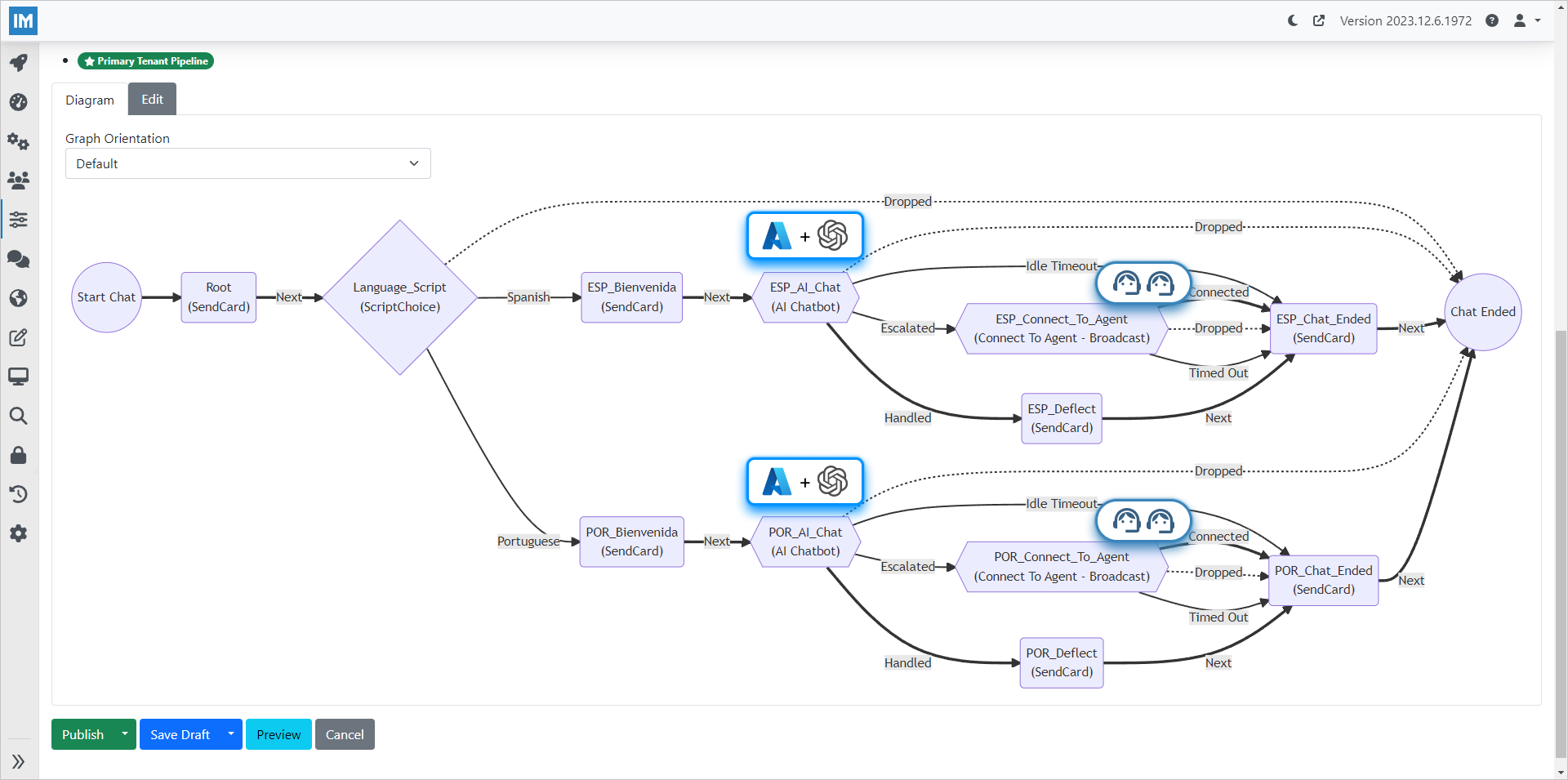
Create AI based chat services to solve employee questions or route them to agents — designed visually, deployed in Microsoft Teams.
Chime V5 received Microsoft 365 Certification in July 2025, becoming the 51st app to earn this status in the Teams Store. Only 4% of apps meet the security, compliance, and data handling requirements needed for certification.
Key Benefits of AI Chatbot Workflows for IT Support
Improve the employee experience by automating the repetitive parts of support — without giving up the option to escalate to a real person.
Faster Resolutions
Self-service workflows answer common IT, HR, and sales questions instantly so employees stop waiting in a queue.
Lower Agent Load
AI handles repetitive requests end-to-end. Agents only get involved when the workflow escalates, so their time goes to high-value work.
Consistent Answers
Every employee gets the same vetted response. No more inconsistent guidance depending on which agent picks up.
Built for Microsoft Teams
Workflows run where your employees already work. No new apps, no new logins, no training.
Chime V5 Workflow is Powered By

Azure Bot Service

Azure OpenAI
Adaptive Cards

Orchard Core
Workflow Features
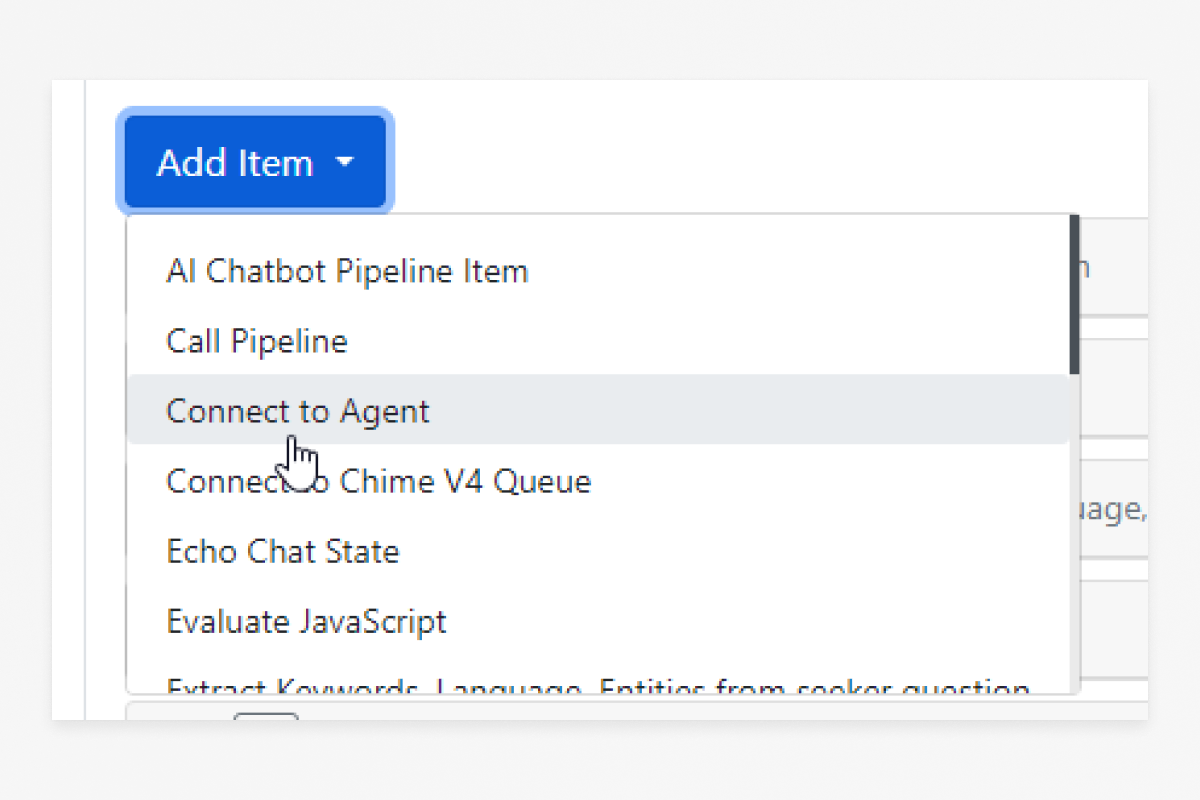
Compose Workflow Steps
Drag in the building blocks your conversation needs — questions, lookups, AI calls, ticket creation — and arrange them visually.
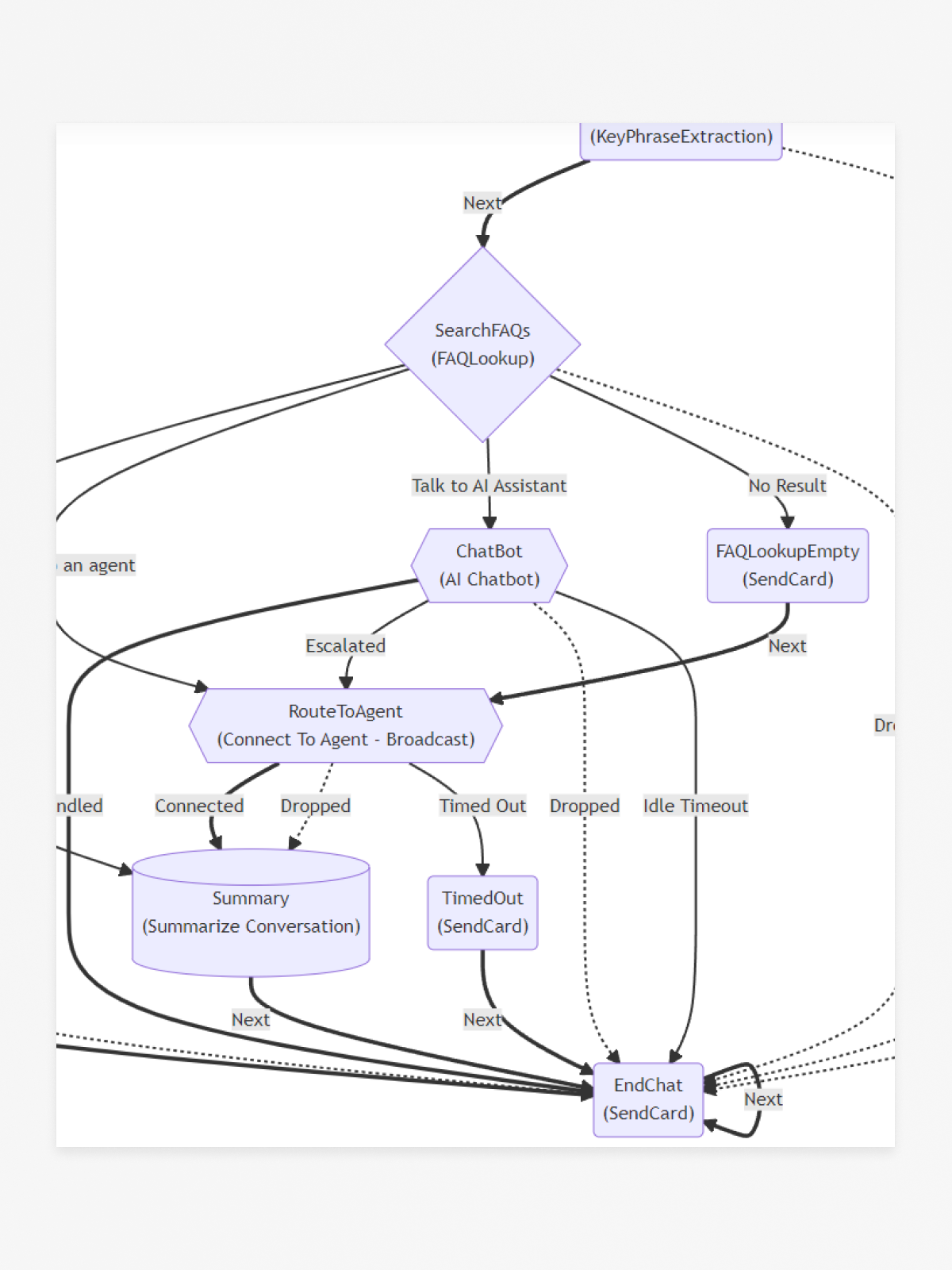
Arrange and Branch
Reorder steps and create branches based on user answers. No code, no redeploy.
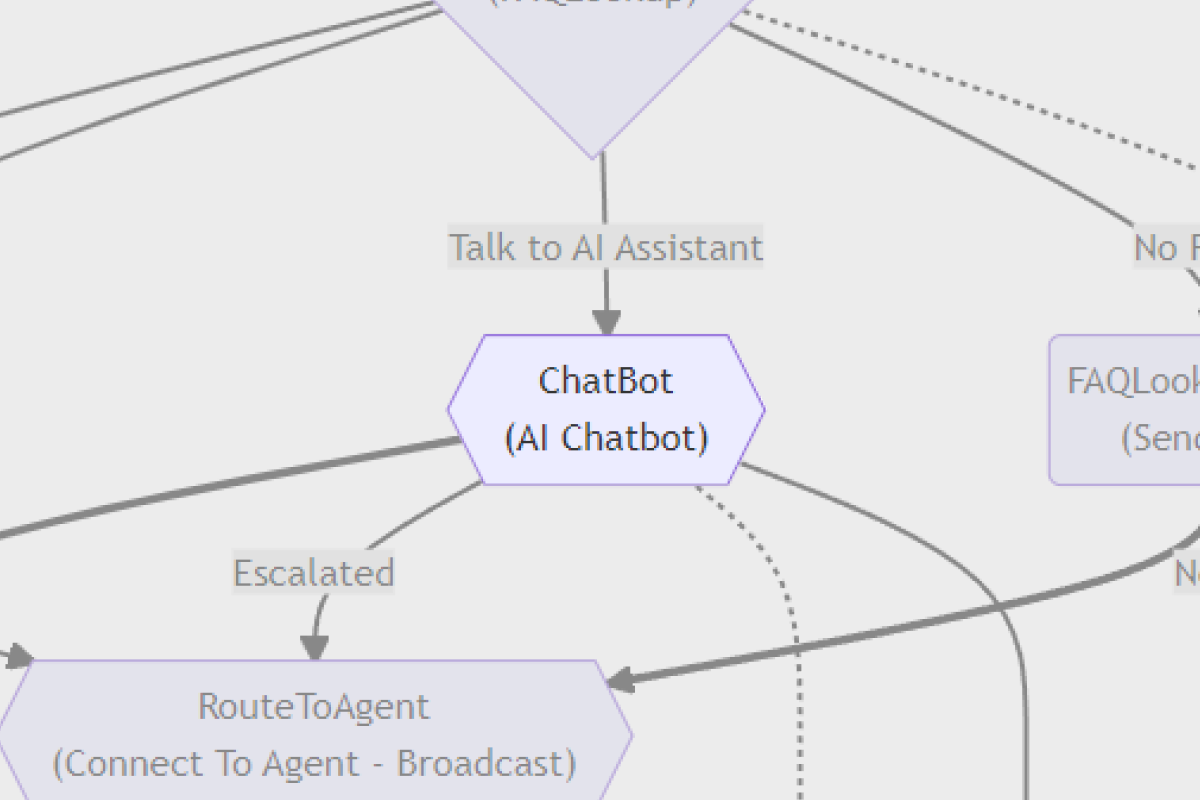
Invoke AI Mid-Flow
Call Azure OpenAI inline so the workflow can summarize, classify, or generate a response using your own data.
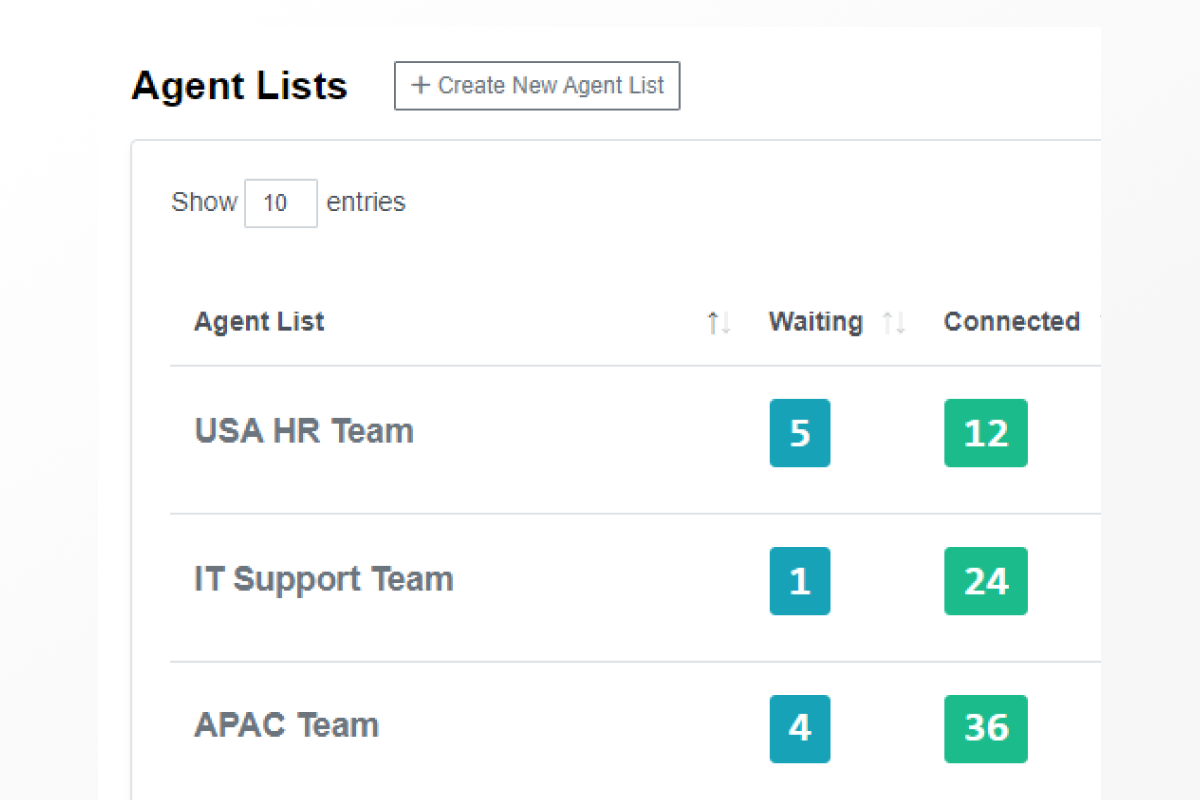
Route to Live Agents
When the workflow needs a human, hand off cleanly to a live agent with full context already attached.
Data Collection & Analytics
Capture the data that matters as part of every conversation, then review completed chats to see how your workflow is performing.
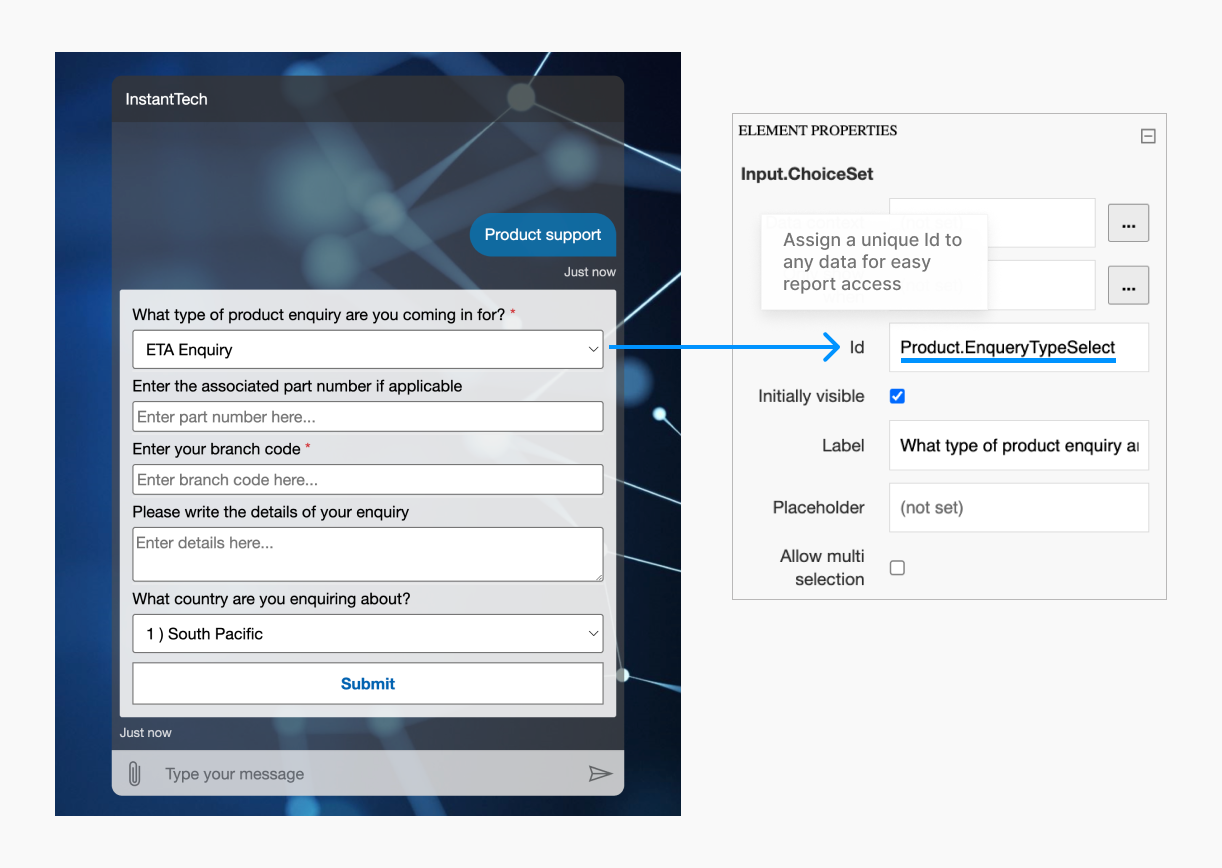
Custom Data Collection
Build forms inside the chat to gather the structured information your team needs before a ticket is created.
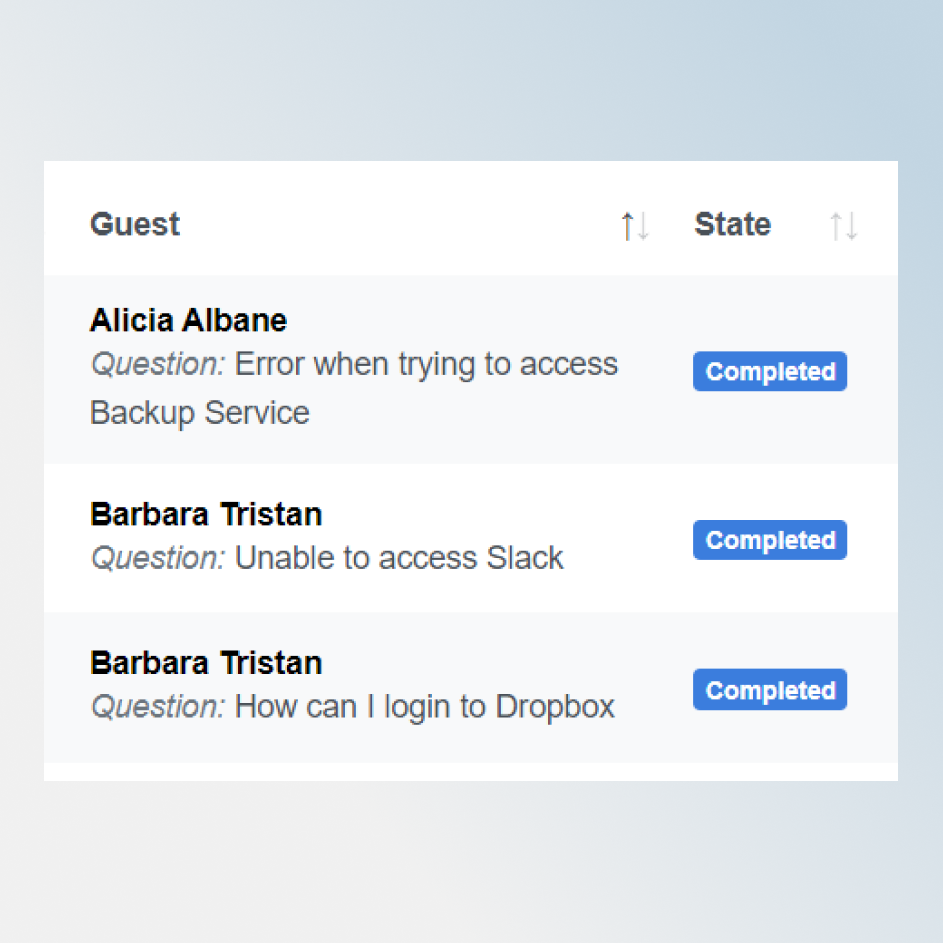
Completed Chats
Review every completed conversation with summaries, agent handoff status, and outcome — and feed the insights back into the workflow.
Design your first workflow
Schedule a demo and we'll walk through building a chat workflow tailored to your IT, HR, or sales process.