
UIHike for customer support teams
Create customer support documentation that helps the next person resolve the issue.
Show customers what to do. Leave agents a known fix to follow. Give the next person the screens and context they need to continue, using visual guides created in UIHike.
Start locally without an account. Cloud sharing requires an account.
Customer walkthroughs
Give customers steps they can follow at their own pace.
Capture a setup task or a feature workflow. Explain the choices, show the expected result, and share a guide the customer can revisit after the conversation ends.
Make repeated answers reusable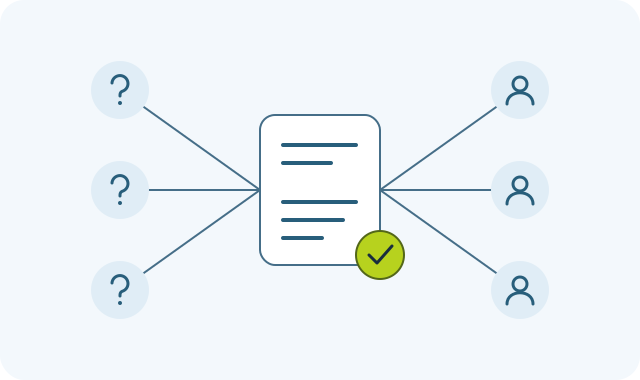
Internal troubleshooting
Leave a known fix another agent can repeat.
Keep the starting conditions, actions, and result together. Add the exceptions that determine whether the fix applies, so a teammate can decide when to use it.
What belongs in a troubleshooting guide?
- Before the fix
- The symptom, affected screen, and prerequisites.
- During the fix
- The steps to follow and settings to check.
- After the fix
- The expected result and when to escalate.
These are authoring suggestions, not an automated diagnostic service.
Escalation context
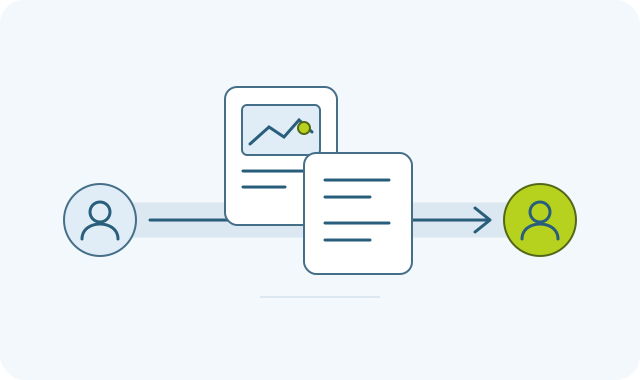
Pass on what you checked, so the next agent can continue.
Capture the relevant screens, describe what you tried, and note what happened. Add the guide or exported file to your ticket yourself, giving the next agent evidence to work from.
- What the customer expected
- What you observed and tried
- What still needs investigation
See the documentation your team can use
Learn the feature before the next customer asks.
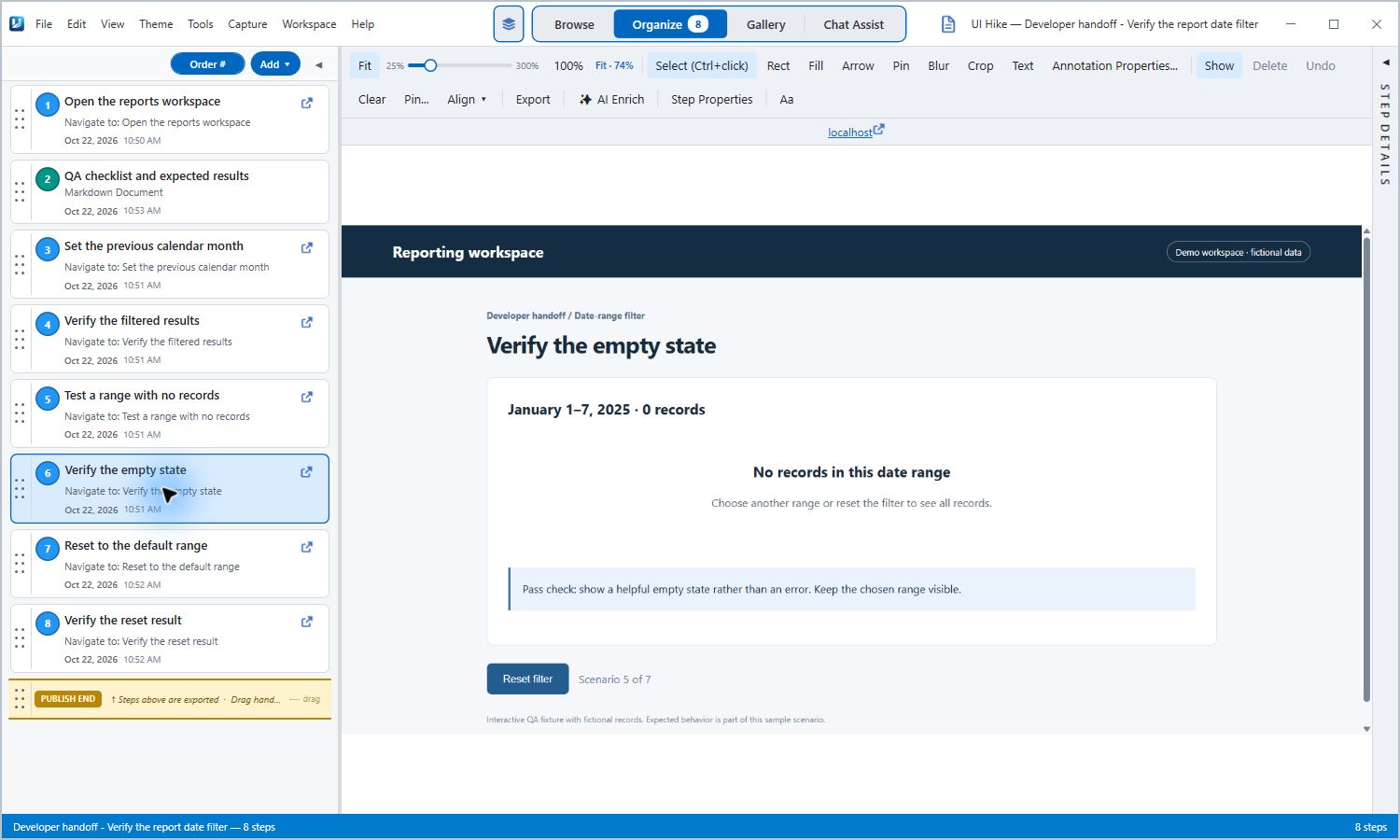
This actual UIHike example documents a reporting filter, including matching results, an empty state, and reset. It shows the kind of walkthrough an agent can use to understand expected behavior.
Read the reporting walkthrough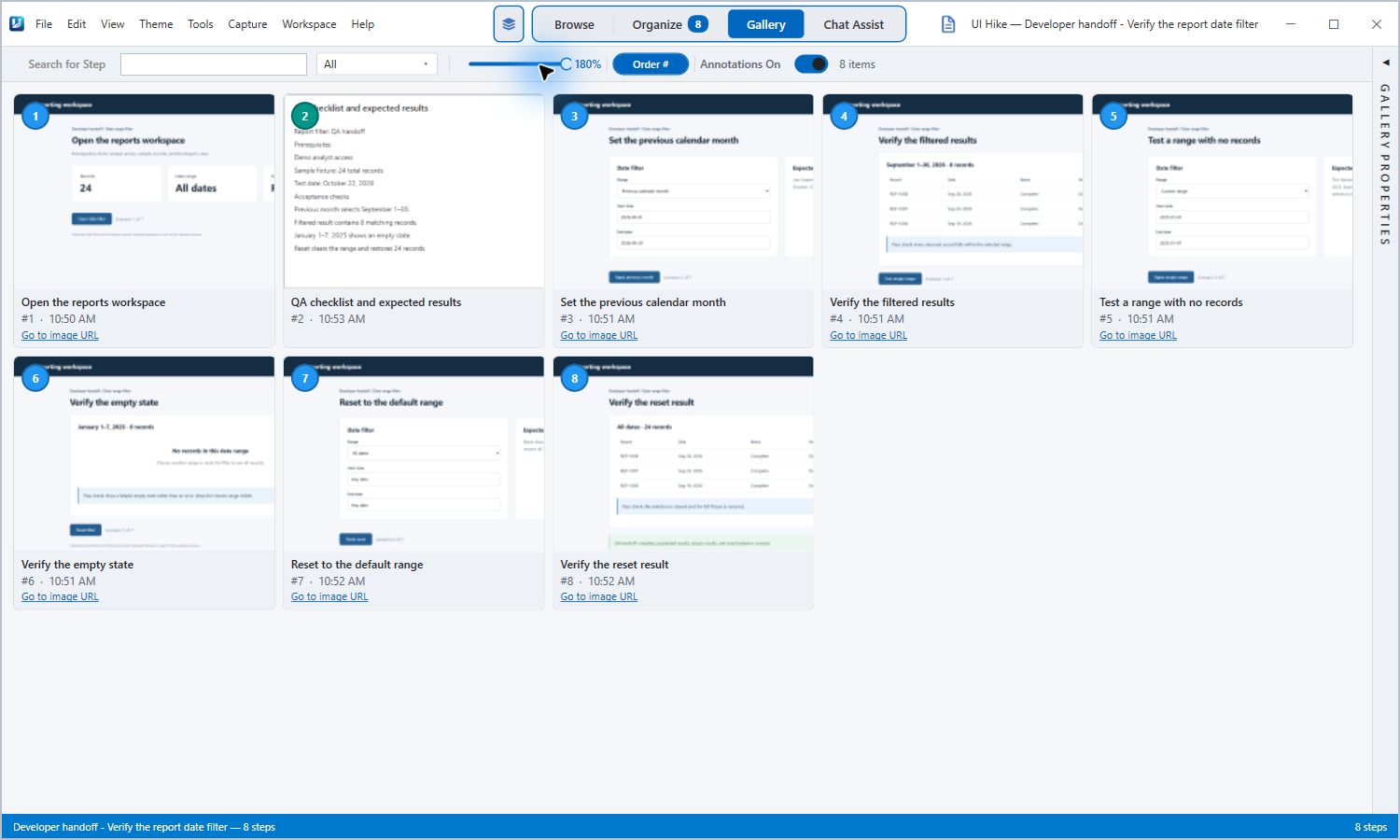
Questions from support teams
Is UIHike a help desk or ticketing system?
Can we make different guides for customers and agents?
Can I capture desktop applications as well as browser screens?
How should we handle customer information?
Can a customer read a guide without an account?
Document the next fix your team will need again.
Start with a customer walkthrough, a known solution, or a clear record of what you tried.
Local Windows use without an account.
Cloud sharing requires an account.